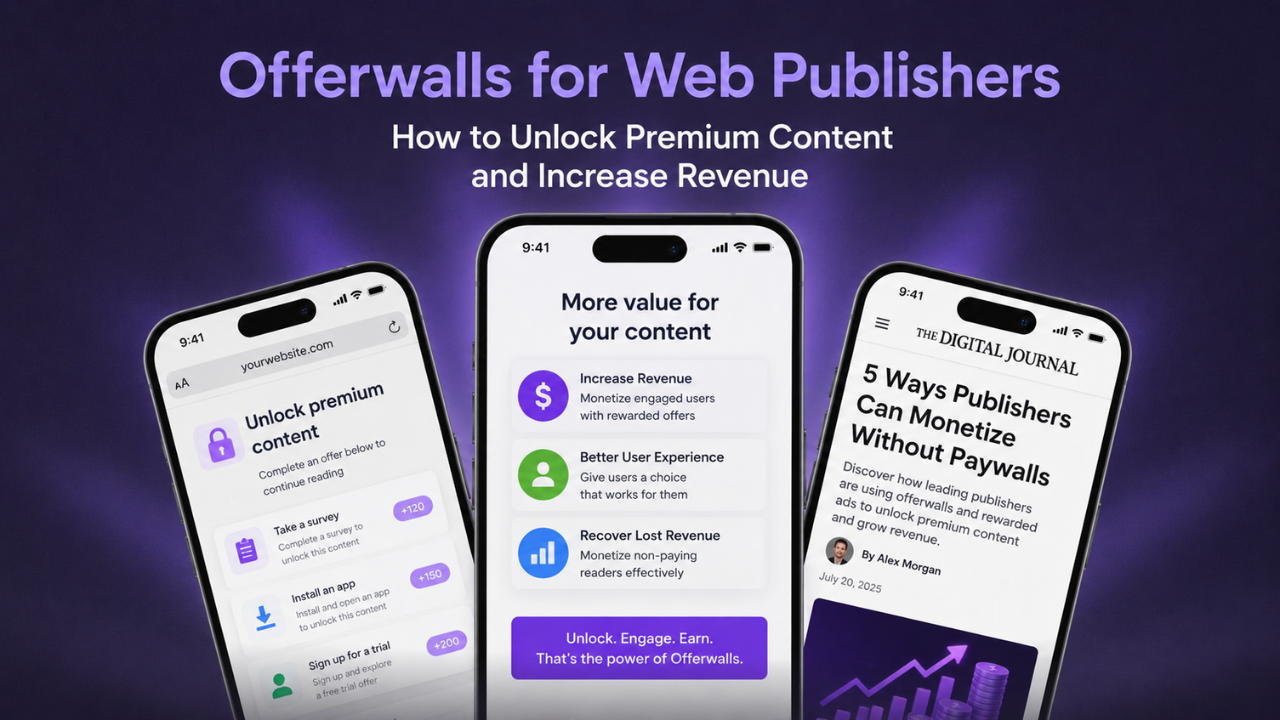



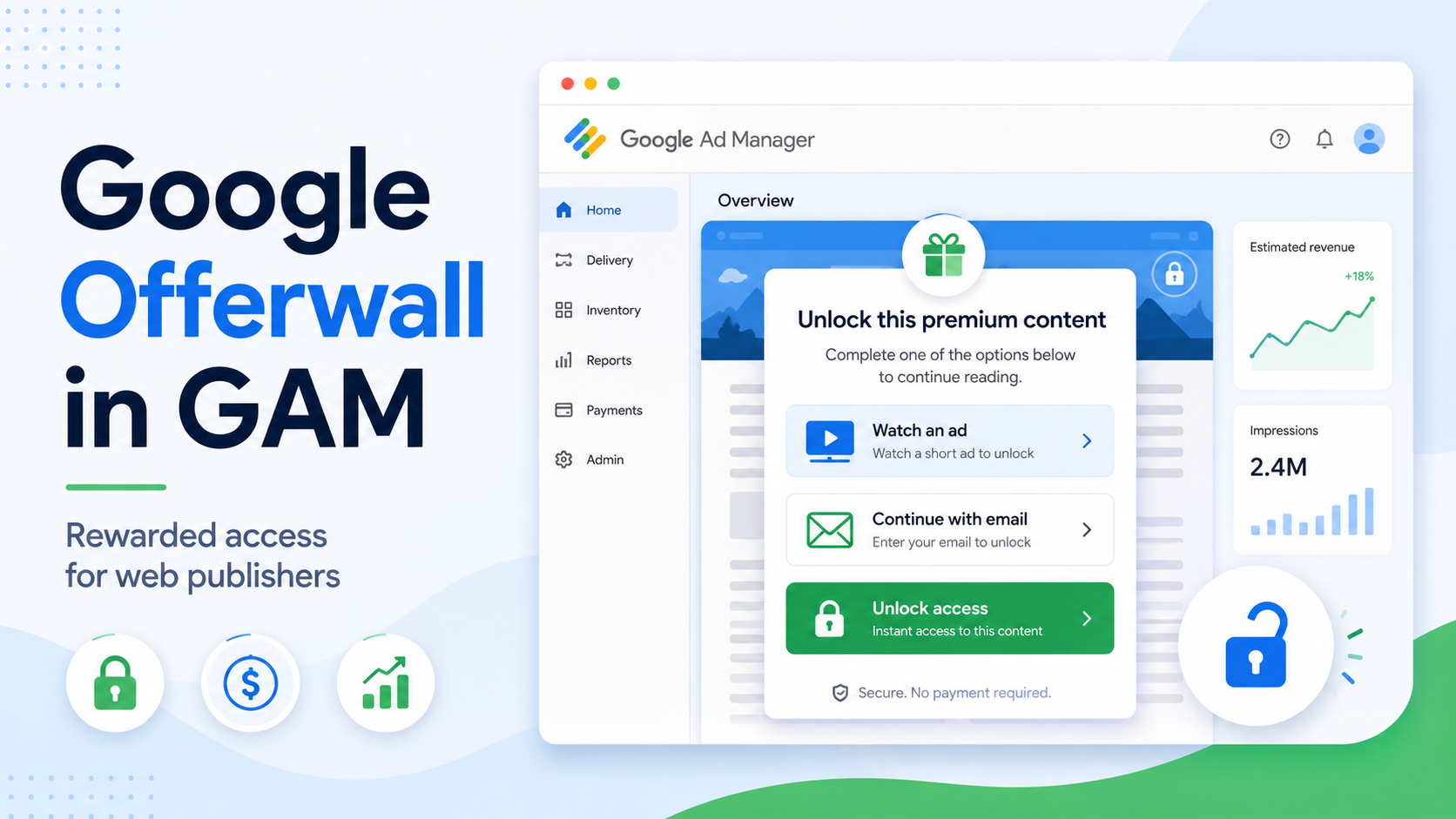
Publishers do not always need to choose between giving content away for free and putting it behind a hard paywall. Google Offerwall GAM provides another option: ask visitors to complete a value exchange before receiving additional access.
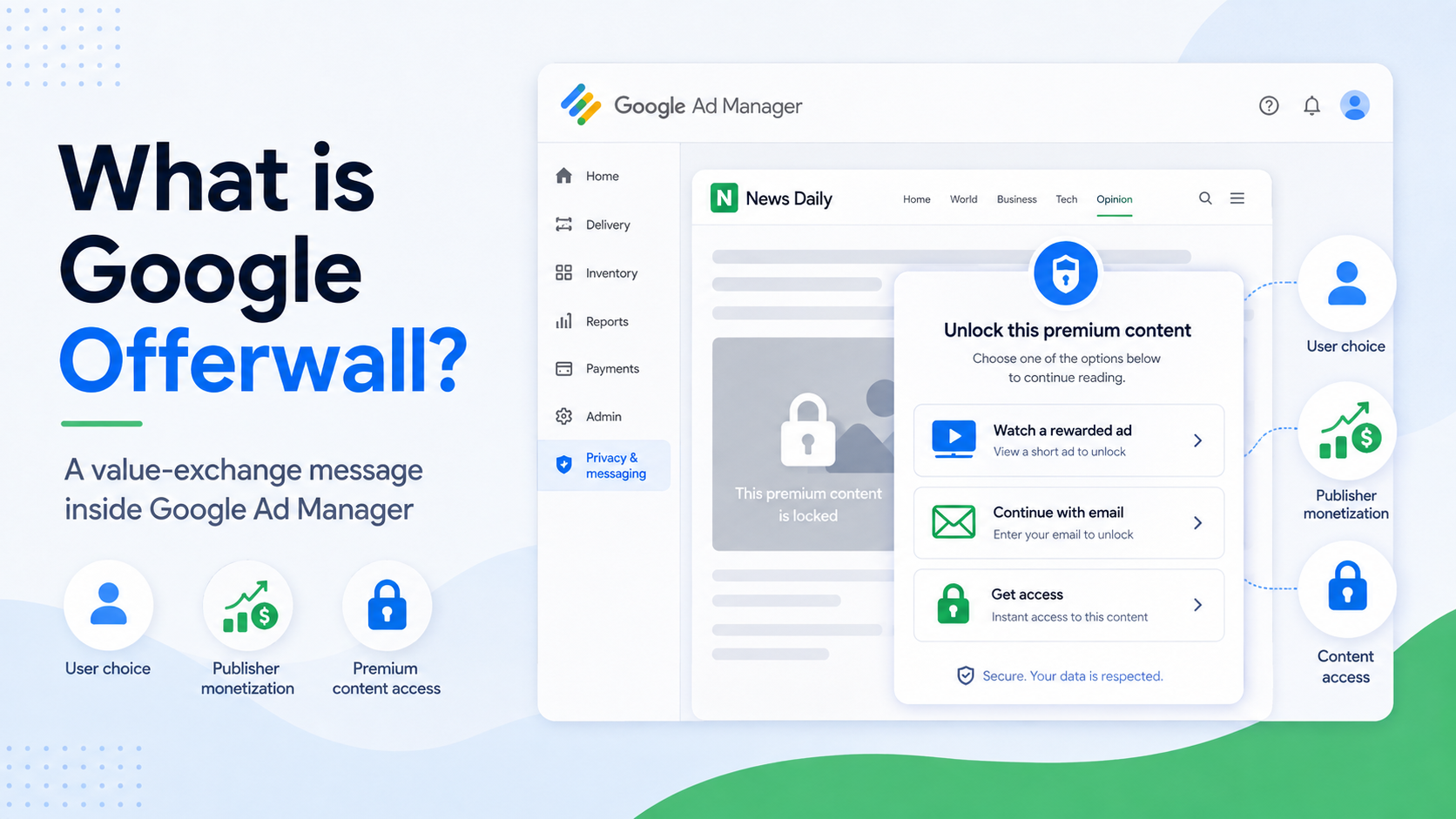
Available through Google Ad Manager’s Privacy & messaging section, Offerwall can present choices such as viewing a rewarded ad, providing an email address, or paying for access through supported integrations. Publishers can control where the message appears, when it triggers, and how much access each completed action provides.
For publishers already using GAM, this creates a relatively direct way to test alternative monetization without building an entire access system from scratch. Below is a practical look at what Google Offerwall supports, how to configure it, and where it fits best.
Table of Contents
What is Google Offerwall in Google Ad Manager?
Google Offerwall is a message type within Privacy & messaging in Google Ad Manager. It allows visitors to choose a way to support a publisher before receiving access to site content. Google currently documents choices including rewarded ads, email collection, Supertab micropayments and subscriptions, and a custom choice for publisher-defined integrations. Some options, including email collection, Supertab, and custom choice, are currently labeled Beta.
The core idea is value exchange. Instead of immediately blocking a visitor, the publisher can offer an action with a clearly defined entitlement. For example, watching a rewarded ad could unlock 12 hours of site access or three additional page views. Google allows entitlements to be configured separately for each Offerwall choice.
This makes alternative monetization in GAM useful for publishers that have valuable content but do not want to rely only on subscriptions or conventional display advertising.
It is also important to separate Offerwall from standard rewarded ad implementation. Standalone rewarded ads for web use the GPT rewarded web API, while the rewarded ad choice inside Offerwall can be configured without implementing that API yourself. Google states that Offerwall handles the built-in rewarded experience codelessly, although GPT is still required on the site for Offerwall messages to display.
Key benefits of using Google Offerwall GAM
Google Offerwall is most useful when publishers treat it as an additional monetization layer rather than a replacement for their normal ad stack:
Lower implementation overhead for rewarded access. For the built-in rewarded ad choice, publishers can use an automatically created ad unit and do not need to add a separate tag for that unit or implement Google’s rewarded web API. This can make testing rewarded access easier than developing the full opt-in and entitlement workflow independently.
Flexible GAM demand support. Rewarded web inventory in Google Ad Manager can be monetized through reservations, Preferred Deals, Open Auction, Private Auctions, and Programmatic Guaranteed. Google also notes that rewarded web ads can receive both video and display demand by default. Performance will still depend on inventory, GEO, demand, user behavior, and auction conditions, so publishers should evaluate actual revenue rather than assuming a fixed rewarded eCPM.
Control over access rules. Publishers can target specific pages with URL inclusions and exclusions, set a metering threshold before the Offerwall appears, and define access by hours or additional page views. For example, the wall could appear only after two qualifying page views instead of interrupting a visitor immediately.
Multiple value-exchange options. Rewarded ads are only one possibility. Email collection can exchange an email address for access, while Supertab can support time passes or subscriptions. Publishers with their own monetization workflow can also explore the Custom choice API.
Google Offerwall should not, however, be treated as automatic privacy compliance or automatic AdBlock recovery. Ad blocking recovery is managed as a separate Privacy & messaging message type, while publishers remain responsible for applicable data, consent, and policy obligations.
Looking to expand beyond Offerwall? Sign up with PubFuture to submit your site and explore additional website monetization opportunities.
5 steps to set up Google Offerwall in GAM
The native Offerwall workflow is handled primarily inside Privacy & messaging:
Step 1: Create an Offerwall message
Sign in to Google Ad Manager and open Privacy & messaging. On the Offerwall card, select Create for a first implementation or Manage > Create message if Offerwall messages already exist.
Select the site where the message should run and choose the languages required for your audience. Google Publisher Tag must be present on the site for GAM user messages, including Offerwall, to display correctly.
Step 2: Define where and when the Offerwall appears
Avoid applying the same wall to every page by default. GAM lets publishers add page inclusions and exclusions, making it possible to restrict the experience to selected article categories, premium sections, or other high-value URLs.
Next, configure Metering. The threshold determines how many qualifying page views a visitor can make before seeing the Offerwall. If the threshold is two, for example, the message begins appearing after two non-excluded page views. Google resets the visitor’s metering count 30 days after their first page view.
Publishers can also enable Google’s Optimize setting. In that mode, GAM can optimize the number of visits before the Offerwall appears using historical Offerwall performance and contextual information such as browser or visitor location.
Step 3: Configure the rewarded ad and other user choices
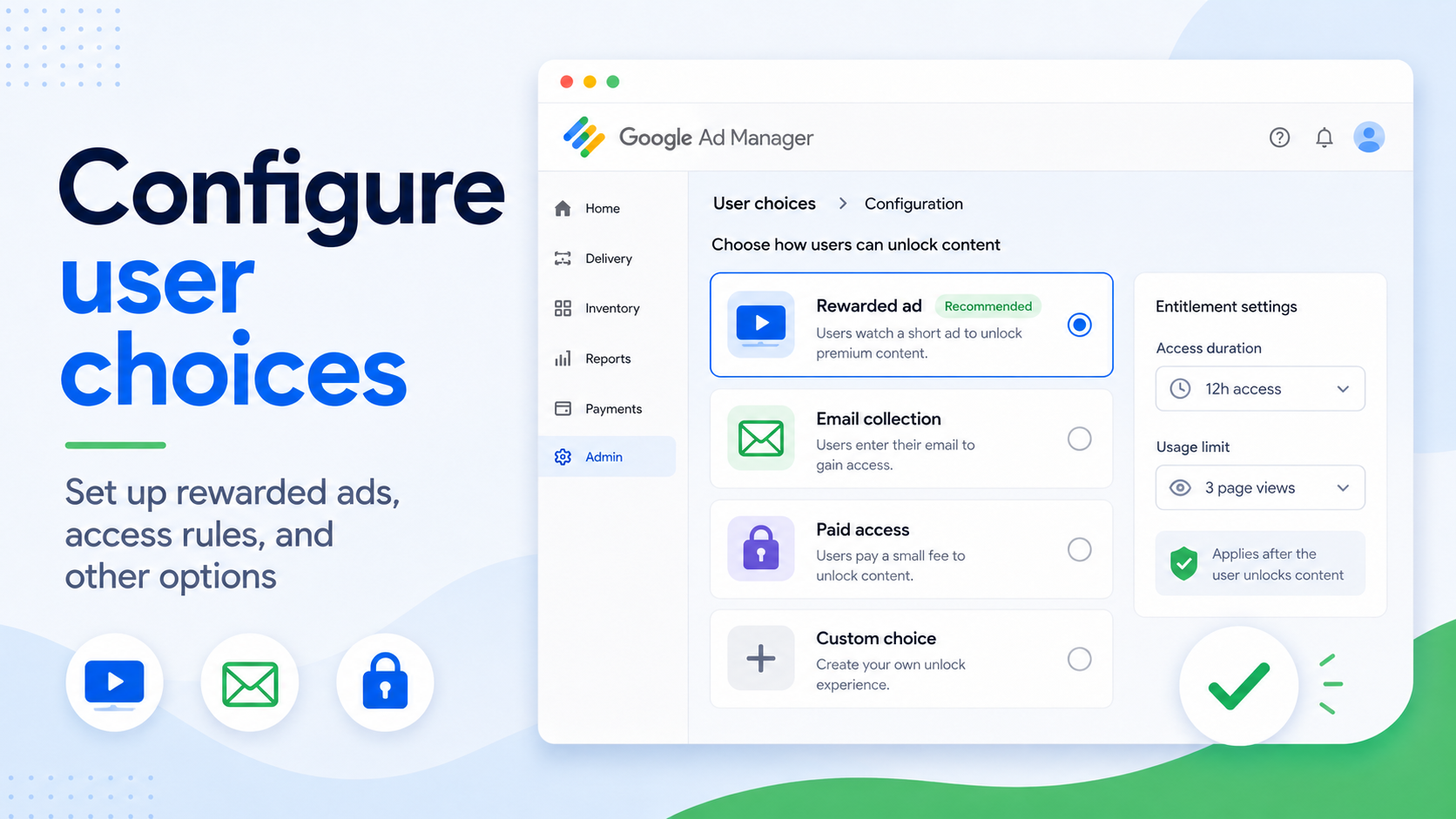
Under User choices, enable Rewarded ad. GAM lets you select the ad unit used for the rewarded experience, including an automatically created Offerwall ad unit.
Then configure the entitlement. This determines what the visitor receives after successfully completing the rewarded experience. Access can be defined in hours or additional page views, such as 12 hours of access or three more articles.
Publishers can add other choices when appropriate. Email collection lets a visitor provide an email address in exchange for access. Supertab supports paid time passes and subscriptions. Custom choice allows publishers to connect another monetization solution, but requires implementation of Google’s Custom Choice API.
Step 4: Customize the Offerwall experience
Edit the Offerwall message so the value exchange is clear before the user makes a decision. The copy should explain what the visitor needs to do and what access they receive in return.
Brand elements, messaging, and formatting can also be adjusted in the message builder. Keep the mobile experience especially simple. A user should be able to understand the available choices without confusing them with navigation buttons, download controls, or normal page actions.
The goal is not to force more ad impressions. Rewarded ads are designed around voluntary opt-in, and Google requires publishers using rewarded inventory to follow its policies for ad units that offer rewards.
Step 5: Test, publish, and monitor performance
Test the Offerwall before applying it broadly. Check the complete path from message trigger to user choice, rewarded ad completion, entitlement, and later return visits.
Once published, performance can be reviewed through GAM reporting. Google provides Offerwall-specific metrics through Reporting > Interactive reports > Privacy & messaging, allowing publishers to analyze how visitors interact with the message and how the monetization experience performs.
Start with a controlled group of pages or a reasonable metering threshold rather than immediately gating the entire site. The best configuration depends on whether the goal is incremental ad revenue, more registered users, paid access, or a combination of these outcomes.
Best use cases for GAM Offerwall and rewarded access
Offerwall works best where users already perceive clear value in continuing:
| Use case | Recommended setup | Primary goal |
|---|---|---|
| Metered article access | Allow several qualifying page views before showing a rewarded ad choice | Monetize engaged repeat readers |
| Premium content sections | Use URL inclusions so Offerwall appears only on selected content | Protect high-value inventory |
| High-frequency visitors | Test manual metering or GAM’s Optimize setting | Increase revenue without gating first-time users |
| Email-based access | Offer Email collection alongside rewarded ads where appropriate | Build a first-party audience |
| Paid access | Add supported Supertab time passes or subscriptions | Convert high-intent users into paying readers |
| Publisher-specific access flow | Use Custom choice with the required API integration | Connect an existing monetization or access system |
These cases use features directly documented in the current GAM Offerwall workflow, although availability of Beta choices may differ between accounts.
How to measure Google Offerwall performance
Offerwall should be measured as a value-exchange funnel, not only as another ad placement.
Start with the percentage of eligible visitors who actually encounter the wall. A very aggressive threshold may create more Offerwall exposures but reduce continued browsing. A very conservative threshold may preserve engagement but leave incremental revenue unrealized.
Next, compare which choices visitors complete. Rewarded ads may produce immediate advertising revenue, while email collection or paid access serves a different long-term objective. Google provides Offerwall reporting through Privacy & messaging reports, including dedicated Offerwall dimensions and metrics.
Publishers should also compare overall site metrics before and after rollout, especially page views per user, return visits, revenue per session, and access completion rate. The winning setup is not necessarily the configuration with the highest Offerwall revenue if it materially reduces the value of the rest of the session.
Common Google Offerwall mistakes to avoid
Showing the wall too early. Visitors with little engagement have less reason to exchange value for access. Metered logic lets publishers reserve the Offerwall for users who have already consumed several pages.
Assuming Offerwall includes automatic AdBlock recovery. GAM provides Ad blocking recovery within Privacy & messaging, but Google lists it separately from Offerwall. Publishers that want both experiences should plan them as separate message strategies rather than treating one as a feature of the other.
Building an unnecessary custom rewarded integration. If the objective is simply to exchange a rewarded ad for site access, the native Offerwall rewarded choice already handles the ad unit and entitlement workflow without requiring the rewarded web API. Custom development becomes more relevant when the reward involves a publisher-specific feature or workflow.
Using unclear or misleading value exchanges. Users should know that they are choosing to view an ad and what they will receive afterward. Rewarded inventory must remain voluntary and comply with Google’s rewarded ad policies.
Treating Google tooling as a guarantee of compliance. Some choices introduce additional data responsibilities. Google specifically requires publishers using Email collection to state the purposes for collecting addresses and accept applicable Ads Data Processing Terms.
Google Offerwall GAM gives publishers a practical way to add rewarded access, metered content, email collection, and supported paid choices to an existing Google Ad Manager setup. Its main advantage is flexibility: publishers can decide which pages are gated, when the wall appears, what users can choose, and what access each completed choice unlocks.

The strongest implementation is usually selective rather than sitewide. Start with engaged visitors or high-value content, monitor the full session impact, and expand only when the additional revenue or audience value justifies the access friction.
For publishers evaluating rewarded access as part of a broader web monetization strategy, PubFuture can help assess how Offerwall fits alongside existing GAM inventory, programmatic demand, and other revenue formats. Contact PubFuture through the website form to discuss the most suitable monetization setup for your traffic.