



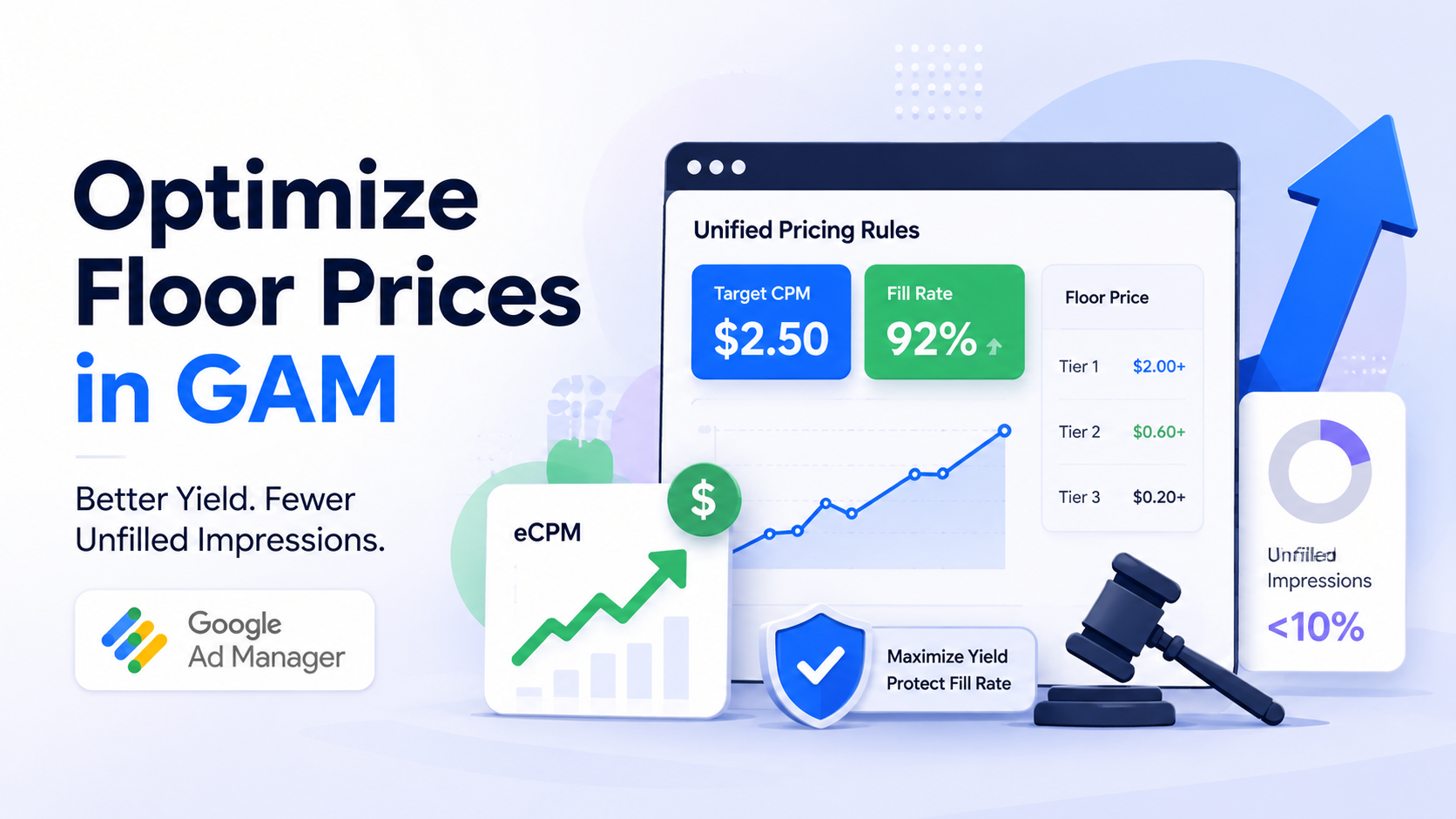
Setting a higher floor price can lift CPM, but it does not automatically increase revenue. Effective Google Ad Manager floor price optimization depends on finding the point where buyers still compete while low-value bids are filtered out.
Set floors too low and weak auctions can clear at low prices. Push them too high and more eligible bids disappear, increasing unfilled impressions and reducing the number of monetized requests. The best floor is therefore different across inventory segments.
A practical UPR strategy uses historical performance, inventory quality, GEO, device, format, and controlled experiments to decide where floors should rise, remain flexible, or fall. The goal is not the highest possible CPM. It is the highest sustainable total yield.
Table of Contents
The floor price paradox: maximizing bid value vs. protecting fill rate
Floor pricing creates a trade-off between the minimum bid you are willing to accept and the amount of demand that remains eligible to compete.
A near-zero floor such as $0.01 provides almost no pricing protection. When buyer competition is weak, inventory may still clear at relatively low CPMs. However, a low floor does not mean DSPs can arbitrarily determine the price. Auction competition, buyer valuation, demand density, and other auction mechanics still influence the final outcome.
The opposite approach can be just as damaging. A blanket $3 floor across an entire network may work for certain premium impressions but reject most bids on lower-value GEOs or placements. Google specifically warns that incorrectly configured pricing rules can cause low fill rates and other delivery problems.
A stronger approach is to segment floors around meaningful differences in inventory value. Geography, device, ad format, placement quality, and viewability can all justify separate tests instead of one network-wide rule.
Viewability is particularly useful when high-value placements consistently attract stronger demand.
Read more: Top 5 high-CTR banner ad placements that don’t ruin user experience
Understanding unified pricing rules in Google Ad Manager
Unified Pricing Rules are now presented in GAM simply as Pricing rules, although UPR remains a common industry term. These rules centralize pricing controls across multiple types of non-guaranteed demand.
Google currently applies pricing rules to Open Auction, Private Auctions, First Look, Open Bidding exchanges, selected remnant line items, AdSense backfill, header bidding trafficking, and SDK Bidding. Programmatic Direct campaigns are excluded.
This distinction is important because UPR does more than set a floor for Ad Exchange alone. A pricing change can affect several demand paths competing for the same inventory.
Hard floor prices
A hard floor sets a fixed minimum. A bid that does not meet the required price cannot win that auction.
Hard floors provide strong control when a publisher knows that specific inventory should not be sold below a certain value. The downside is reduced flexibility. If buyer demand falls below the threshold, the impression may go unfilled unless another eligible line item or fallback can serve.
Target CPM
Target CPM gives GAM more flexibility. Instead of enforcing exactly the same floor on every request, Ad Manager dynamically adjusts the floor higher or lower while aiming for an average CPM at or above the publisher’s target.
Google positions Target CPM as a way to improve fill rate and yield compared with a fixed floor. However, the target is not a guaranteed reported CPM, especially when a rule is new, traffic fluctuates heavily, or rendering behavior affects delivered impressions.
GAM also offers optimized floors, currently documented as Beta, which allow Google to set floor prices per query rather than requiring the publisher to enter one fixed value.
4 core dimensions for segmenting your UPR strategy
A useful UPR setup in GAM should separate inventory only where buyer behavior and monetization value are meaningfully different:
1. Geographic tiering
Demand varies significantly by country, so global publishers should avoid applying one fixed floor across every GEO.
For example, US, UK, Canada, or Australia traffic may support higher floors than many emerging markets. But there is no universal rule that Tier 1 display inventory should always use a $1.20 or $2.50 floor. A sports site, H5 game portal, finance publisher, and general news site can have very different bid distributions within the same country.
Use GEO tiers as segmentation, then derive the actual price from your own GAM data.
2. Viewability-tiered floors
Highly viewable inventory can justify a different pricing test from placements that users rarely reach.
A sticky anchor or strong above-the-fold unit with consistently high viewability may attract more valuable demand than an equivalent size near the bottom of a long page. However, publishers should not automatically double the floor because viewability passes 80%.
Compare CPM, bid density, fill rate, and revenue for each placement group before changing the rule. Viewability should support the pricing decision, not replace auction data.
3. Device-specific rules
Desktop and mobile inventory often behave differently because of screen size, placement structure, user behavior, and advertiser demand.
Google itself notes that buyers can bid differently across desktop and mobile web inventory, making separate pricing strategies useful in some setups.
Instead of grouping a desktop 728×90 or 300×600 with mobile 320×50 and 300×250 inventory, test the major device groups independently when traffic volume is large enough to produce reliable data.
4. Ad format and media type
Display and video should rarely share the same pricing assumptions.
GAM allows publishers to configure pricing for display and video creative types separately. Video can also be segmented using options such as minimum duration and skippability.
Outstream video, standard display, rich media, native, and other inventory types can attract very different buyer valuations. Segment them where demand patterns justify it, but avoid creating a separate rule for every small variation.
Static zero floors vs. segmented dynamic UPR strategy
The difference between these approaches is easier to see when comparing their likely auction behavior:
| Strategy dimension | Near-zero floor | Aggressive blanket floor | Segmented or dynamic UPR |
|---|---|---|---|
| Average eCPM | Can remain low when competition is weak | May rise on impressions that still clear | Can improve where stronger pricing is supported by demand |
| Fill rate | Usually easier to protect | Higher risk of declining sharply | Can be balanced by segment |
| Unfilled impressions | Lower pricing-related risk | Can increase substantially | Easier to control through testing |
| Total revenue | May leave pricing opportunity unused | Can fall despite higher CPM | Optimizes toward total yield rather than CPM alone |
| Buyer eligibility | Most bids remain eligible | Many bids may fall below the threshold | Eligibility varies with inventory value |
These are directional outcomes, not fixed benchmarks. A segmented strategy does not guarantee a specific eCPM uplift or 90% fill rate.
The important principle is that dynamic floor pricing should follow actual auction behavior. Publishers should judge the strategy by total revenue, fill rate, CPM, and opportunity cost together rather than using CPM as the only success metric.
Step-by-step workflow: setting up optimized UPR in GAM
A reliable Google Ad Manager floor price optimization workflow starts with data and changes one pricing assumption at a time:
Step 1: audit historical auction performance
Start with at least several weeks of representative traffic and separate the analysis by the inventory dimensions you intend to price differently.
Do not rely on the old Ad Exchange Historical report workflow. Google has retired that report type and migrated much of its functionality into Historical reporting. Publishers can use relevant bid, pricing rule, demand channel, revenue, impression, and fill metrics to understand current performance.
Build bid ranges where sufficient data is available and look for clusters rather than choosing a floor from average CPM alone.
Step 2: create segmented pricing rules
Navigate to Inventory > Pricing rules > New pricing rule and target the inventory cluster you want to test.
Naming conventions make larger setups much easier to manage. Examples such as Tier1_Mobile_HighViewability or SEA_Desktop_Standard immediately communicate what the rule covers.
Keep segmentation broad enough to generate useful volume. Google currently allows up to 200 pricing rules per Ad Manager network, but reaching that limit should never be the objective.
Step 3: test Target CPM on high-volume inventory
High-volume inventory is often a suitable place to evaluate Target CPM because GAM has more auction data available for optimization.
Do not automatically increase the target when converting an existing hard floor. Google explicitly advises publishers not to increase the rule price simply because they switch from a floor to Target CPM.
GAM pricing rule experiments can also compare changes using actual traffic rather than relying on assumptions.
Step 4: build a fallback strategy
Higher floors should not leave valuable page space empty without a plan.
Depending on the site, fallback inventory can include house campaigns, affiliate placements, direct demand, internal promotions, or another suitable remnant option. The correct setup depends on the publisher’s ad stack and commercial model.
The objective is not to hide an unsuccessful pricing strategy with house ads. Fallbacks simply protect the user experience and remaining inventory value while floor tests are being evaluated.
Internal link: Alternative ID modules in Prebid: How to set up UID2 and SharedID to protect cookieless CPMs
Publishers with several demand sources may also benefit from reviewing pricing rules together with the wider auction setup. PubFuture can support this process by evaluating GAM configuration, demand competition, and inventory segmentation rather than treating floor changes as an isolated optimization.
Critical floor price mistakes to avoid in Google Ad Manager
Most floor pricing problems come from applying a valid idea too broadly:
Setting blanket rules for every GEO
A single global floor ignores how differently buyers value users across markets.
A floor that works on high-demand US inventory can reject too much demand in another market. Conversely, a very low global floor may undersell stronger inventory. Separate major demand groups where the traffic volume is sufficient to make the comparison meaningful.
Ignoring seasonality
Buyer demand changes throughout the year.
A floor calibrated during Q4 may become too aggressive when budgets reset in January. A conservative floor established during a weaker period may also leave revenue opportunity unused when advertiser demand increases.
Review pricing performance around major seasonal shifts rather than treating UPR as a one-time configuration.
Over-fragmenting pricing rules
More rules do not automatically mean better yield.
Overlapping rules make pricing harder to troubleshoot, and GAM applies the higher price when multiple pricing rules target the same inventory. A small targeting mistake can therefore create an unexpectedly aggressive floor.
Create a new segment only when you have a clear hypothesis, enough traffic to evaluate it, and a reason to expect different buyer behavior.
Successful Google Ad Manager floor price optimization is not about finding one perfect CPM threshold. It is about controlling the trade-off between inventory value and auction eligibility. Start with historical performance, segment only meaningful inventory groups, test hard floors against Target CPM or optimized floors where appropriate, and monitor total revenue alongside fill and unfilled impressions.
A practical first pass is to separate major GEO groups, high-value placements and device types, then use GAM experiments to validate pricing changes before expanding them. For publishers that want additional support reviewing GAM pricing rules, demand competition, and broader revenue optimization, explore a monetization partnership with PubFuture.